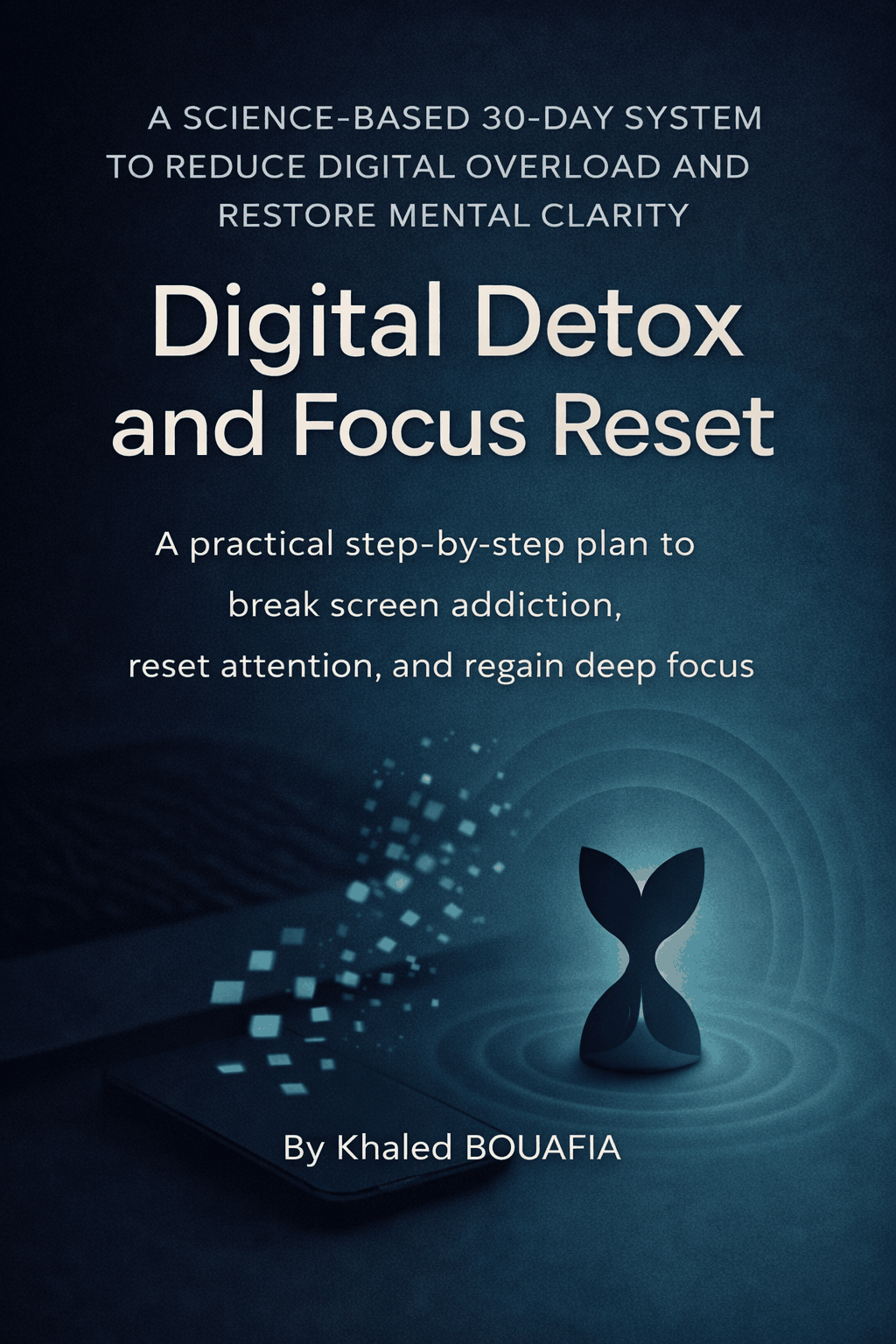
Digital Detox and Focus Reset
Digital Detox and Focus Reset
Couldn't load pickup availability
Digital Detox and Focus Reset
📱 DIGITAL DETOX AND FOCUS RESET
Quiet the noise. Reclaim your attention. Build deep work habits that last in just 30 days.
What if your devices no longer dictated how your day unfolds?
No more feeling buried beneath endless notifications before you've even finished your morning coffee. No more watching meaningful work get pushed aside by emails, messages, and calendar alerts that constantly demand your attention. No more ending the day exhausted, wondering where your time, energy, and focus disappeared.
Imagine opening your laptop to a quiet screen, knowing exactly what deserves your attention and what can wait. Imagine protecting your best thinking, finishing meaningful work with confidence, and ending your day feeling accomplished instead of overwhelmed.
Digital Detox and Focus Reset is a practical, evidence-informed guide designed to help remote professionals and entrepreneurs reduce notification overload, reclaim their attention, and build sustainable deep work habits in just 30 days. Combining habit design, device settings playbooks, notification hygiene strategies, mindful productivity rituals, and practical measurement tools, this program helps you create a calmer digital environment without sacrificing collaboration, responsiveness, or performance.
WHY NOTIFICATION OVERLOAD FEELS SO HARD FOR REMOTE PROFESSIONALS
You've probably tried:
- Pomodoro apps and generic focus timers
- Turning off all notifications for a few days
- Meditation apps without changing your workflows
- Weekend digital detox challenges and social media fasts
- Buying new productivity tools and hardware
- Reading productivity books without practical implementation strategies
The problem isn't your discipline.
The problem is your environment.
Modern work was designed to capture your attention. Notifications compete for your focus. Context switching quietly taxes your energy. Collaboration tools blur the boundaries between urgency and availability. Small interruptions accumulate throughout the day until meaningful work becomes increasingly difficult to protect.
This guide replaces willpower with a clear, practical, step-by-step plan that combines attention science, habit formation, deep work practices, and sustainable systems that fit the reality of modern remote work.
WHAT MAKES THIS DEEP WORK AND FOCUS GUIDE DIFFERENT?
This isn't another collection of productivity hacks or unrealistic digital detox advice.
Digital Detox and Focus Reset is built around a complete 30-Day Focus Reset Framework that combines:
✔️ Evidence-based habit design and attention science
✔️ Device settings playbooks for iOS, Android, macOS, and Windows
✔️ Notification hygiene systems that preserve urgent access while reducing distraction
✔️ Deep work rituals and recovery protocols that prevent burnout
✔️ Ready-to-use boundary scripts, templates, and automation strategies
✔️ Practical measurement tools that make progress visible and sustainable
You'll learn how these elements work together to quiet digital noise, strengthen focus habits, and create meaningful improvements that survive even your busiest weeks.
Quiet your devices. Protect your attention. Build deep work habits that last.
WHAT YOU'LL DISCOVER ABOUT REDUCING NOTIFICATIONS AND PROTECTING FOCUS
Inside this guide you'll learn how to:
- Reduce notification overload without sacrificing collaboration and responsiveness
- Build sustainable focus habits that don't rely on willpower alone
- Protect deep work blocks that produce meaningful, high-quality output
- Create healthy communication boundaries that strengthen trust with clients and teams
- Use practical recovery protocols that improve energy, clarity, and productivity
- Track measurable improvements in attention minutes, distraction rates, and deep work performance
- Design quieter digital environments across all your devices and workflows
- Develop sustainable systems that support focus long after the 30-day reset is complete
WHAT'S INCLUDED IN THE 30-DAY FOCUS RESET
📘 The Complete 30-Day Focus Reset Sprint
Week 1 foundations and baseline measurements · Week 2 notification hygiene and habit design · Week 3 deep work rituals and recovery protocols · Week 4 automation, boundaries, and sustainable systems · Quarterly review and maintenance strategies
📋 Notification Hygiene Settings Checklist for iOS, Android, macOS & Windows
Device settings playbooks for iOS, Android, macOS, Windows, and common work applications · Focus Modes · Do Not Disturb strategies · notification summaries and allowlists · quiet-by-default configurations
📊 Measurement Dashboard & Focus Planner
Attention minutes tracking · distraction rate measurements · deep work block monitoring · energy scores · weekly reviews · 30-Day Focus Reset Sprint Planner and calibration tools
💬 Boundary Scripts & Productivity Templates
Core hours announcements · client and team communication templates · escalation matrices · status messages · calendar shields · automation recipes that preserve trust while protecting focus
IMAGINE FEELING LIKE THIS
Your devices support your priorities instead of competing for your attention.
Deep work becomes a reliable part of your daily routine.
Your notifications become quieter while urgent matters still reach you.
You finish more meaningful work with less stress and fewer interruptions.
Small daily improvements create measurable gains in focus and productivity.
Your team understands and respects your communication boundaries.
Your evenings feel calmer because work no longer follows you everywhere.
Thirty intentional days become one of the most valuable investments you make in yourself and your work.
WHO THIS NOTIFICATION AND FOCUS RESET GUIDE IS FOR
This guide was created for:
- Remote professionals seeking greater focus and productivity
- Entrepreneurs and solo founders working across multiple devices and applications
- Consultants, designers, marketers, engineers, and knowledge workers overwhelmed by constant interruptions
- Busy professionals looking for practical systems rather than complicated productivity frameworks
- Individuals seeking sustainable digital wellbeing practices that support performance rather than restrict it
- Anyone ready to replace reactive work habits with intentional, meaningful progress
PEOPLE ALSO ASK
Can I still stay responsive if I reduce notifications?
Yes. The program uses allowlists, escalation paths, and communication frameworks that preserve urgent access while dramatically reducing unnecessary interruptions.
I've tried productivity apps before. What makes this different?
This isn't another focus timer or productivity system. The framework combines habit design, device settings, communication boundaries, recovery protocols, and measurable progress tracking into one practical plan.
What if my team doesn't respect my new boundaries?
The guide includes ready-to-use scripts, status messages, and communication templates that create clear and professional expectations while strengthening collaboration.
I don't have time for a complicated productivity system. Will this work for me?
Absolutely. Quick wins are front-loaded throughout the program. Many improvements can be implemented in less than ninety minutes and are designed to fit naturally into existing workflows.
Will I miss something important if I quiet my devices?
No. The framework is designed around quiet-by-default systems that remain interruptible by exception when truly urgent situations arise.
Does this work across multiple devices?
Yes. The guide includes practical playbooks for iOS, Android, macOS, Windows, and common collaboration tools used by modern remote professionals.
How quickly can I expect to notice progress?
Many people begin experiencing meaningful improvements within the first week. By the end of the 30-Day Focus Reset Sprint, you'll have measurable data demonstrating how your attention, productivity, and energy have improved.
EVIDENCE-INFORMED APPROACH TO ATTENTION AND DEEP WORK
The strategies presented throughout this guide are informed by decades of research on attention science, cognitive performance, habit formation, mindful productivity, and digital distraction.
The framework draws upon leading scientific research and practical methodologies, including:
Cognitive control research on media multitasking and attentional performance · Scientific studies examining the cognitive cost of smartphone notifications and interruptions · Research demonstrating how device presence impacts cognitive capacity and productivity · Evidence-based mindfulness practices that improve working memory and sustained attention · Deep work principles that support concentrated, meaningful output · Behavioral science frameworks that make sustainable habit formation practical and measurable
Research topics include:
- Attention residue and context switching costs
- Notification overload and distraction science
- Deep work rituals and productivity systems
- Habit formation and environment design principles
- Recovery protocols that prevent burnout and stabilize energy
- Sustainable digital wellbeing practices for remote professionals
This guide combines practical productivity strategies with evidence-informed principles that busy professionals can confidently implement every day.
📱 YOUR ATTENTION BELONGS TO YOU AGAIN
No more reacting to every notification.
No more feeling busy without moving meaningful work forward.
No more wondering where your day disappeared.
Just quiet devices. Clear boundaries. And intentional systems that protect your best thinking.
And the freedom to focus on what matters most.
Reclaim the version of yourself that creates, thinks deeply, and ends the day feeling accomplished instead of exhausted.
Begin your 30-Day Digital Detox and Focus Reset today and rediscover what becomes possible when your attention works for you—not against you.